Product Description
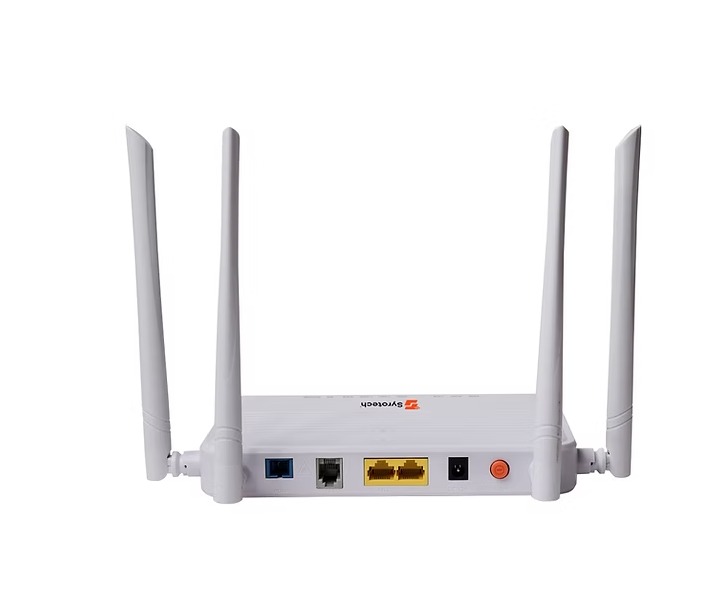
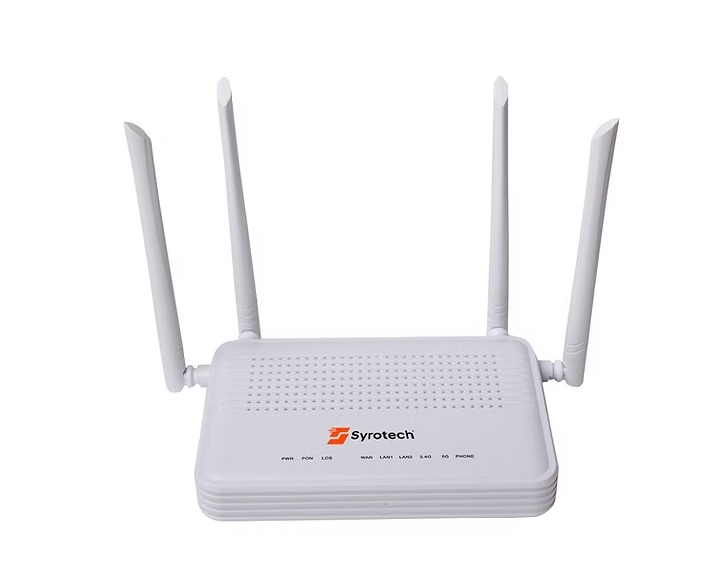
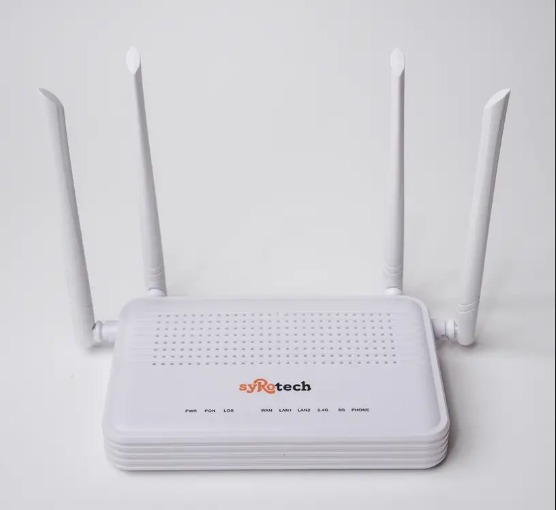
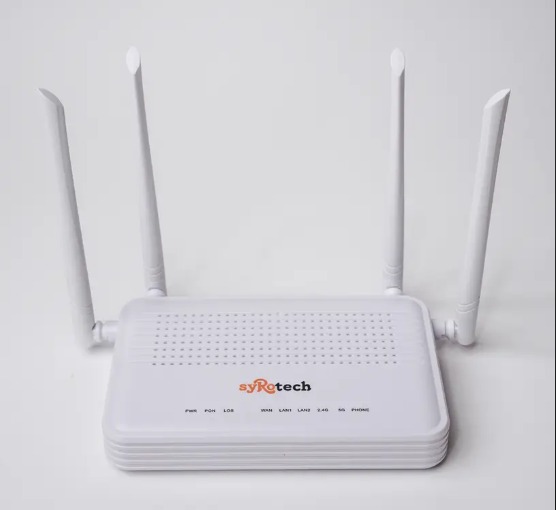
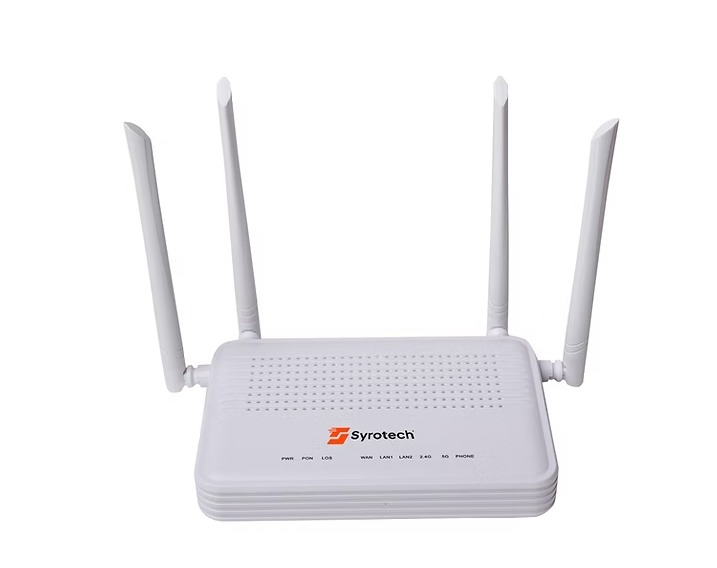
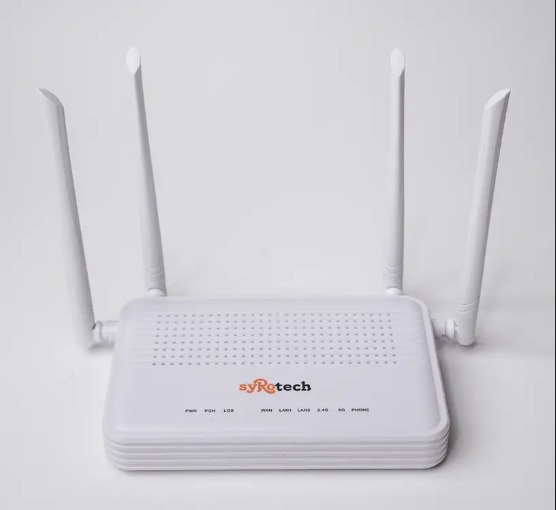
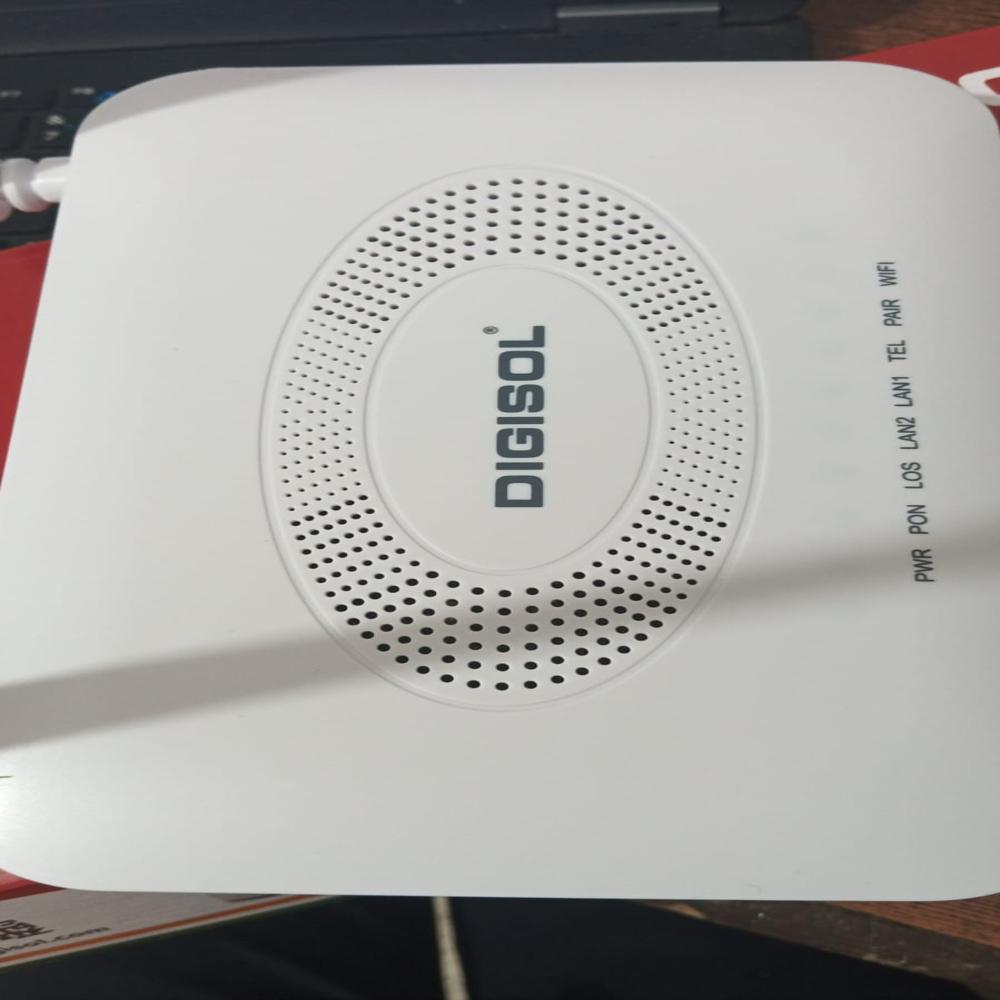
Our 2GE+POTS AC WiFi XPON HGU terminal devices are designed for fulfilling FTTH and triple play service demand of fixed network operators. These are based on the mature Chipset (Realtek) technology, which have high ratio of performance to price and the technology of IEEE802.11b/g/n/ac WiFi, Layer 2/3. They are highly reliable and easy to maintain, with guaranteed QoS for different service. And they are fully compliant with technical regulations such as IEEE802.3ah ITU-T G.984.x and technical requirement of GPON Equipment
Experience seamless wireless internet with the SYROTECH 2010 featuring dual-band technology. Achieve speeds up to 1200Mbps, ideal for streaming, gaming, and large file transfers. The device supports both 2.4GHz and 5GHz frequencies, reducing interference and ensuring stable connectivity for multiple users.
Enhanced Security FeaturesProtect your network with advanced WPA/WPA2-PSK encryption, firewall controls, and filter options for ACL, URL, MAC, and IP. Take charge of your network privacy while using additional controls like parental restrictions and guest access for a tailored user experience.
Reliable and Flexible ManagementEffortlessly manage your SYROTECH 2010 via a web-based interface, TR069, or CLI, and benefit from both remote and local firmware upgrades. Customize settings, monitor usage, and optimize performance to suit your home or office needs.
FAQ's of SYROTECH 2010 DUAL BAND:
Q: How do I set up the SYROTECH 2010 Dual Band router for home or office use?
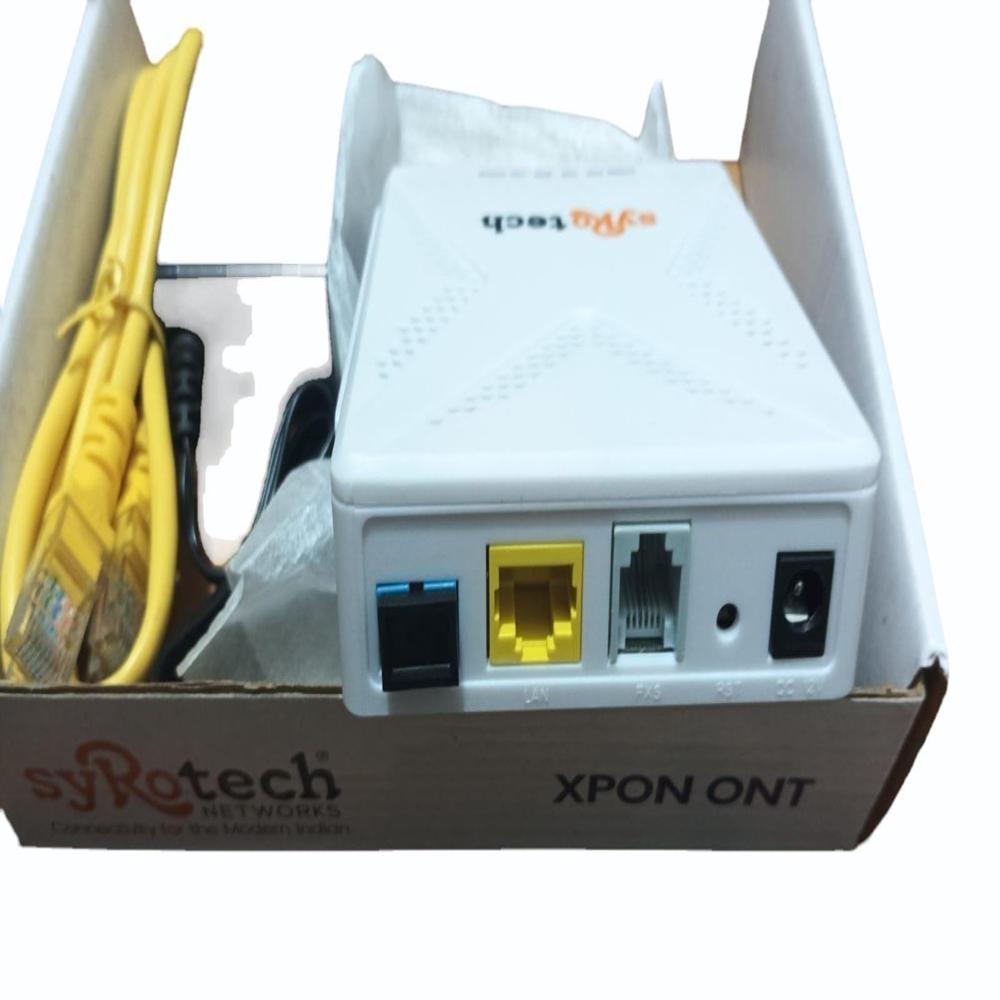
A: To set up the SYROTECH 2010, connect it to your power supply using the 12V DC adapter and link the PON port (SC/UPC) to your internet source. You can access the web-based management interface via a browser for quick configuration and network customization.
Q: What are the benefits of the dual-band (2.4GHz & 5GHz) feature?
A: The dual-band capability provides two separate wireless frequencies, enabling faster speeds and less interference. Use the 5GHz band for high-speed activities like streaming or gaming and the 2.4GHz for broader range and connectivity to older devices.
Q: When should I utilize the parental control feature?
A: Enable parental controls when you wish to restrict or manage internet access for specific users, such as children, ensuring safer browsing times and blocking inappropriate content within your home network.
Q: Where can I place the SYROTECH 2010 router for optimal Wi-Fi coverage?
A: For best results, position the router centrally in your home or office, away from large obstacles and electronic interference. Its four high-gain antennas deliver up to 1500 sq. ft. of coverage indoors, ensuring strong connectivity throughout your space.
Q: What security features does the SYROTECH 2010 offer to protect my network?
A: This device includes WPA/WPA2-PSK encryption, firewall security with enable/disable ACL, URL, MAC, and IP filters, and WPS for secure, simplified device connections-all designed to safeguard your network from unauthorized access.
Q: How often should I upgrade the firmware, and what is the process?
A: Firmware upgrades can be performed as released by SYROTECH to enhance performance and security. You can upgrade remotely via the web management interface or locally using connected devices. Always back up your settings before upgrading.
Q: What is the maximum user capacity and coverage area for the SYROTECH 2010?
A: The SYROTECH 2010 supports up to 64 simultaneous users and can cover an indoor area of up to 1500 sq. ft., making it ideal for homes, offices, and small businesses.




 Send Inquiry



 Send Inquiry


